File Vault
Private, encrypted file storage and sharing for a team — a self-hosted alternative to Google Drive or Dropbox.
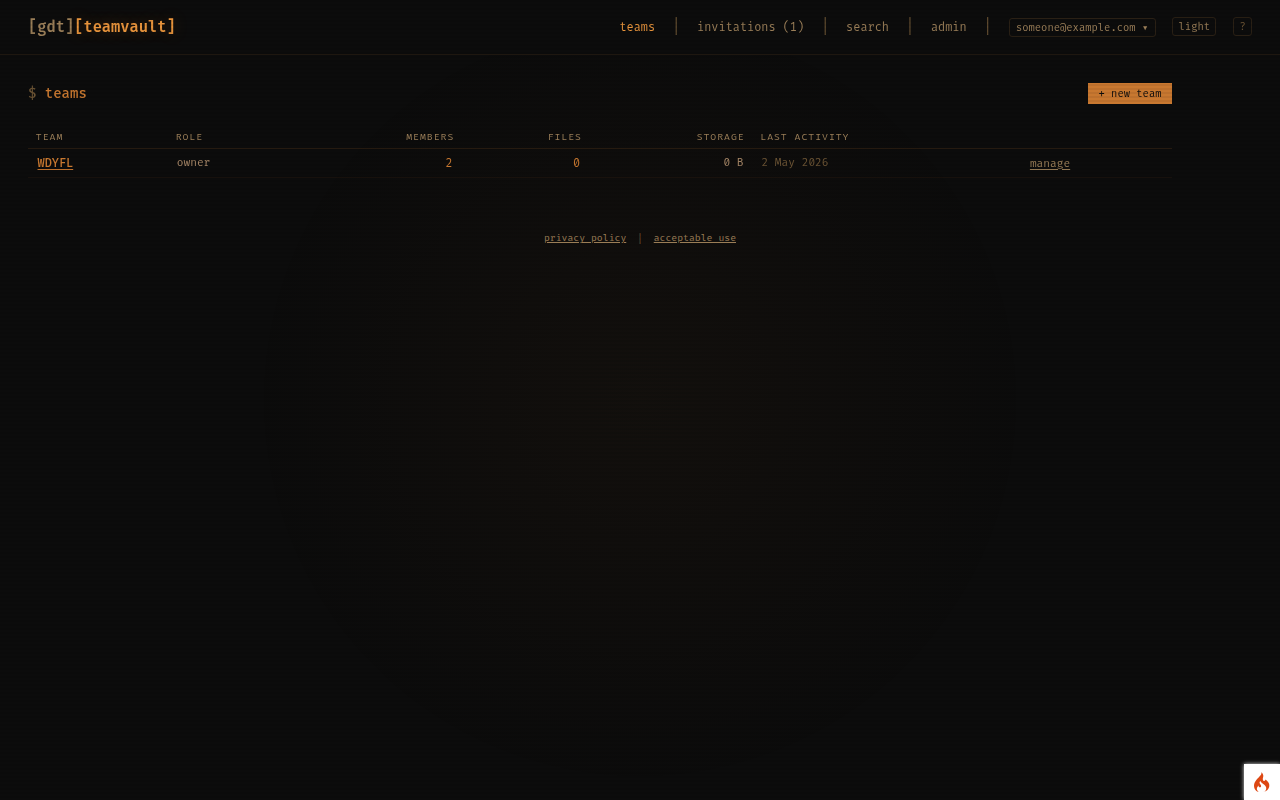
What it is
Somewhere to keep and share files with a small team, where the files are encrypted at rest and nobody is mining them. Teams, folders, previews, comments and share links, without a per-seat subscription.
What you can do
- Create teams and invite members by email; each team has its own file space.
- Upload files into folders, rename and move them, and search by name.
- Preview images, PDFs and video in the browser, with thumbnails and rotation for photos.
- Leave comments on a file so the discussion stays with the document.
- Create share links so someone outside the team can download a file or view a gallery, no account required.
- A wastebin keeps deleted files until you restore or purge them.
- Team admins manage members and roles; an audit log records who did what.
Who it's for
Clubs, committees, small businesses and families who need a private shared drive and would rather not hand their documents to a big platform.
Getting access
Create a free account and add Team Vault from your dashboard. Create a team, or accept an invitation to someone else's.
Your data
Files are encrypted at rest with a key unique to each team, and passwords are stored only as one-way hashes. Files are streamed to you over HTTPS and never leave the platform's servers otherwise. Your data is stored on servers in the EU, never sold or shared, and you can ask for it to be deleted at any time. See the privacy policy.