gdt.markdown
Markdown Editor
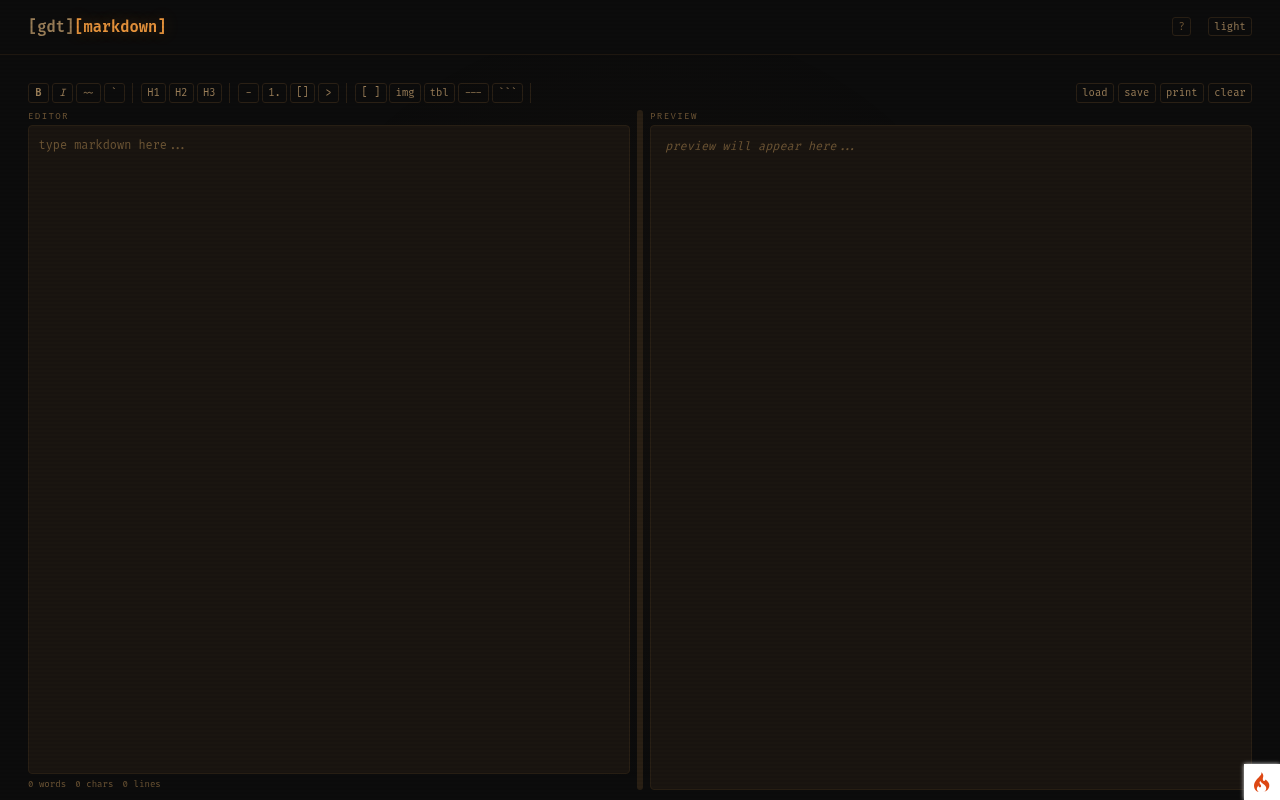
Write Markdown with a live preview and a formatting toolbar; load and save files on your own machine.
No account needed — runs in your browser
open Markdown Editor
What it does
- A split view: Markdown on the left, rendered preview on the right, updating as you type.
- A toolbar for headings, emphasis, lists, quotes, links and code.
- Load a
.mdfile from your computer and save your work back to it.
Who it's for
Anyone writing READMEs, notes or content for a Markdown-based site, including this platform's website builder.
Your data
Everything happens in your browser. Nothing you type or upload is sent to the server, and nothing is stored unless the tool says it saves to your browser.