Tool · getdowntonight
Photo Editor
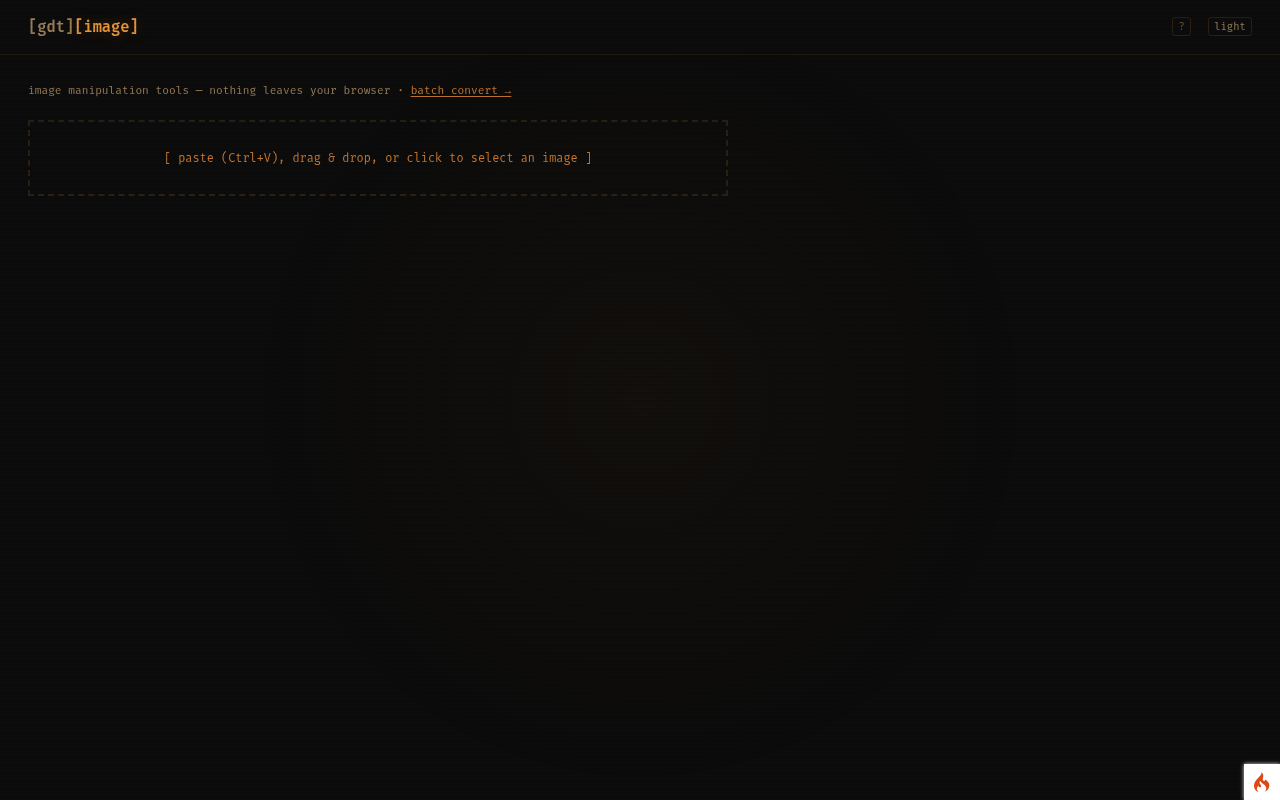
Resize, rotate, flip, crop and convert an image — all in your browser, nothing uploaded.
No account needed — runs in your browser
open Photo Editor
What it does
- Resize to exact pixels or a percentage, keeping the aspect ratio if you want.
- Rotate by 90° or 180°, flip horizontally or vertically, and crop.
- Convert between JPEG, PNG and WebP, choosing the quality.
- Undo any step, then download the result.
Who it's for
Anyone who needs a quick edit before uploading a photo somewhere, without installing anything or trusting a random website with the file.
Your data
Everything happens in your browser. Nothing you type or upload is sent to the server, and nothing is stored unless the tool says it saves to your browser.